Accessing Listings
1. Navigate to https://freedom.frooition.com/ebay/
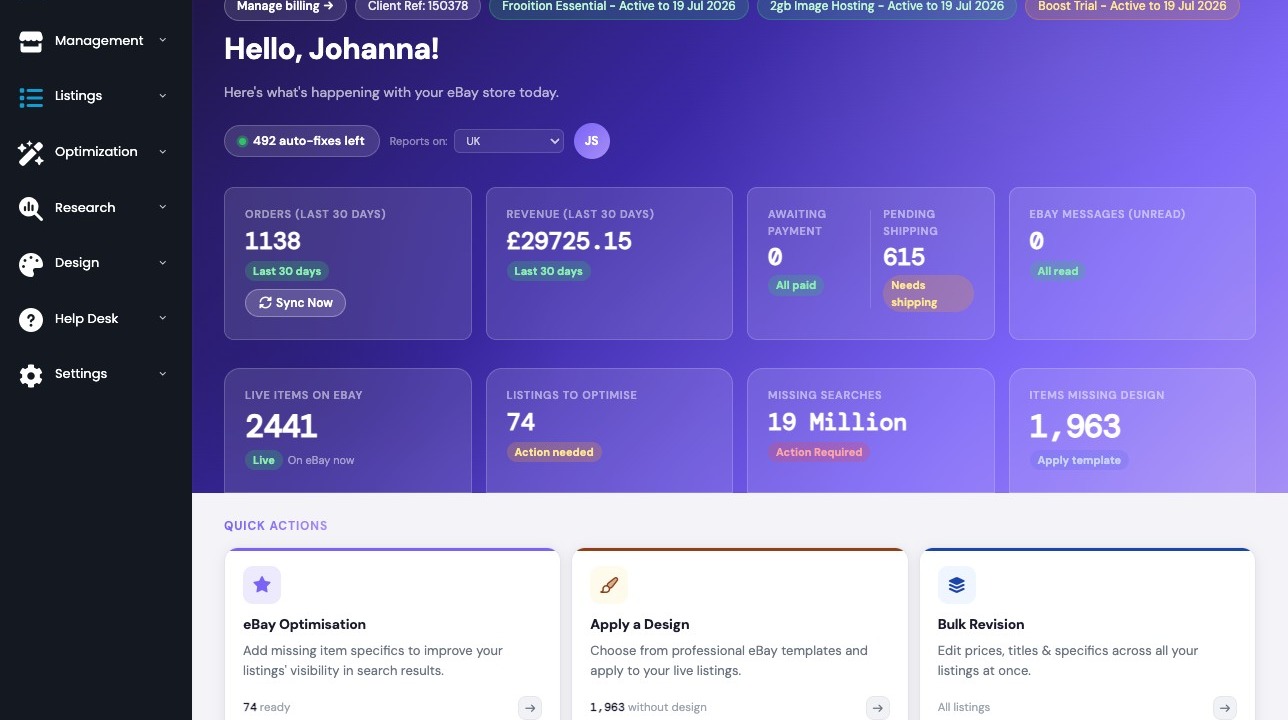
2. Navigate to the eBay Listings page through the sidebar menu.
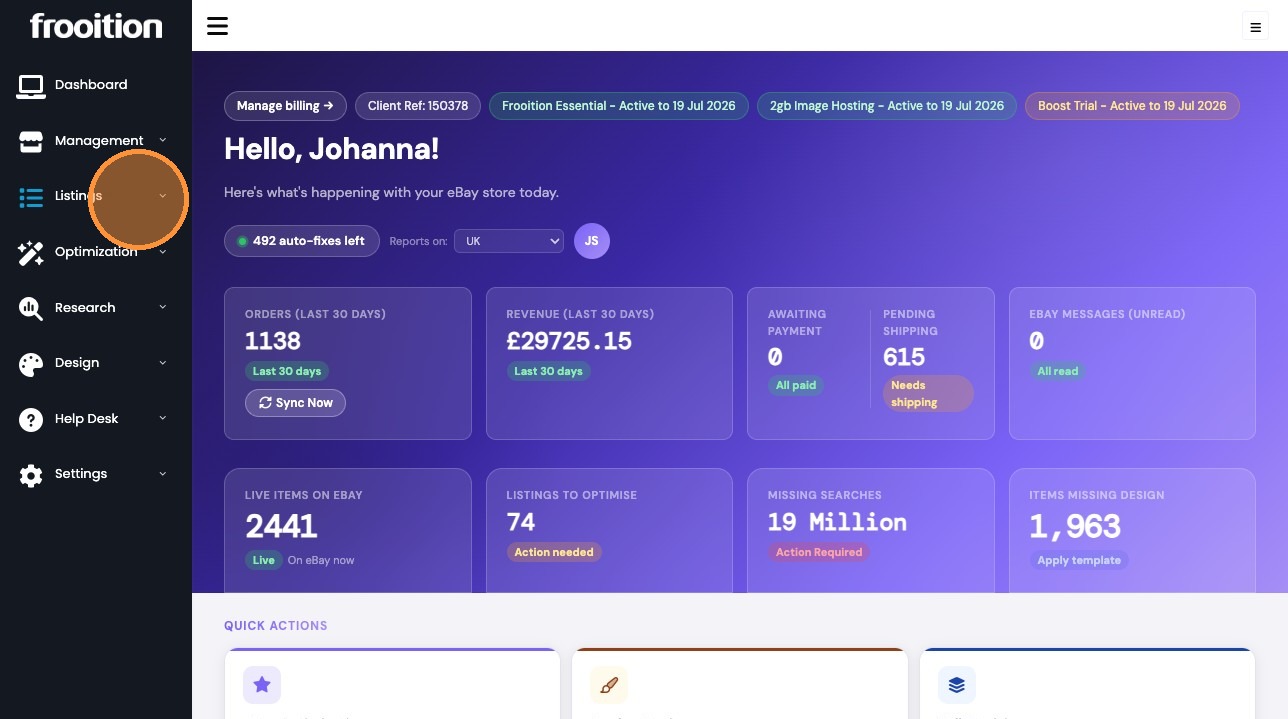
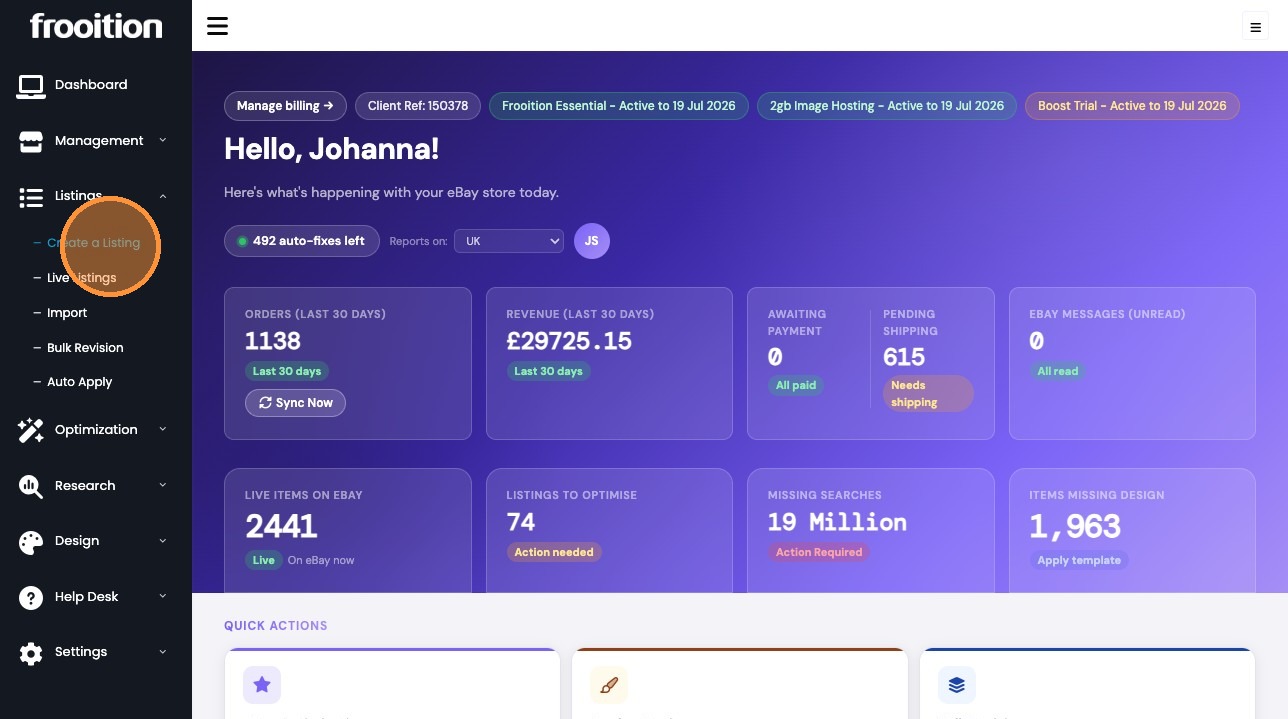
Exporting Listings
3. Filter the listings by clicking "Live".
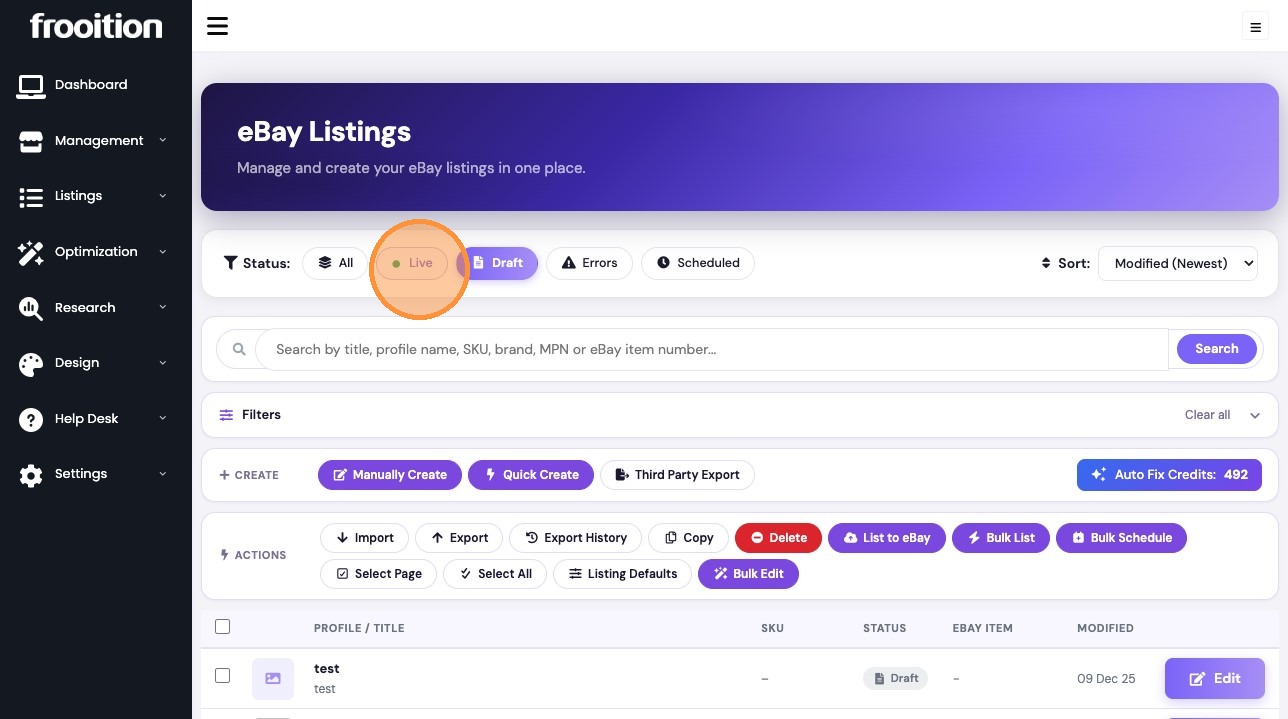
4. Click "Select all" to include all filtered listings.
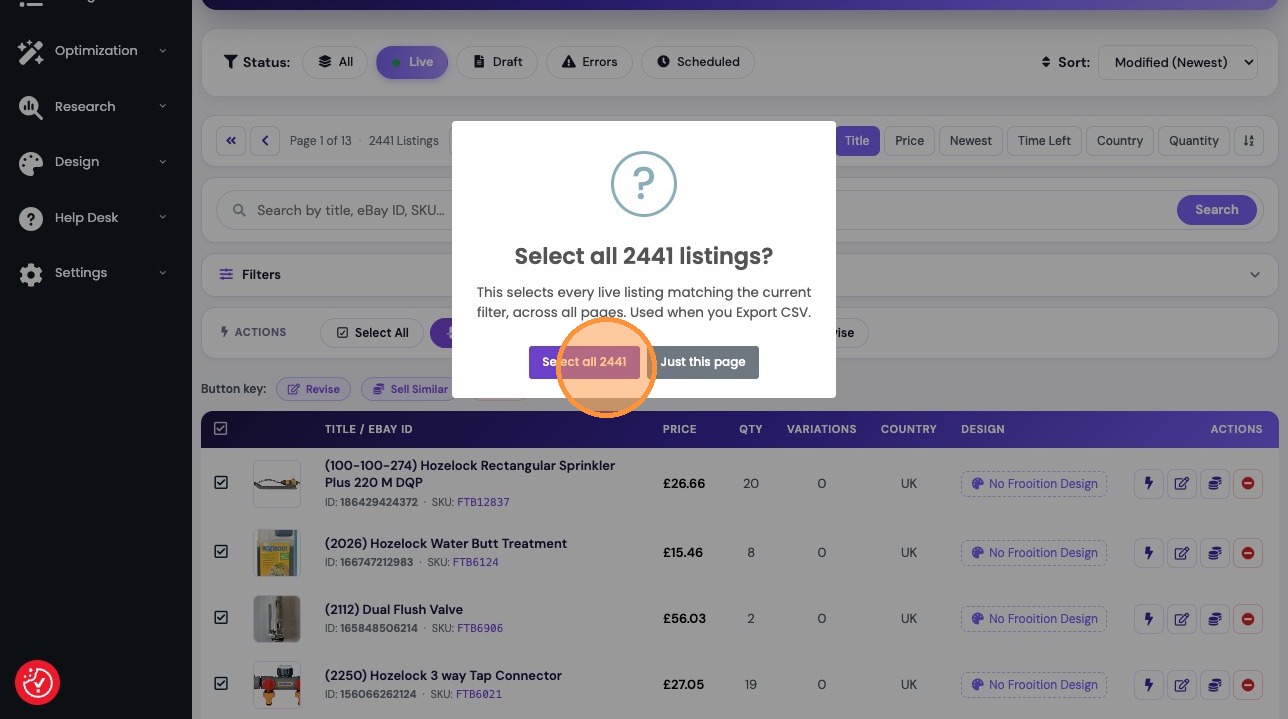
5. Click "Export CSV"
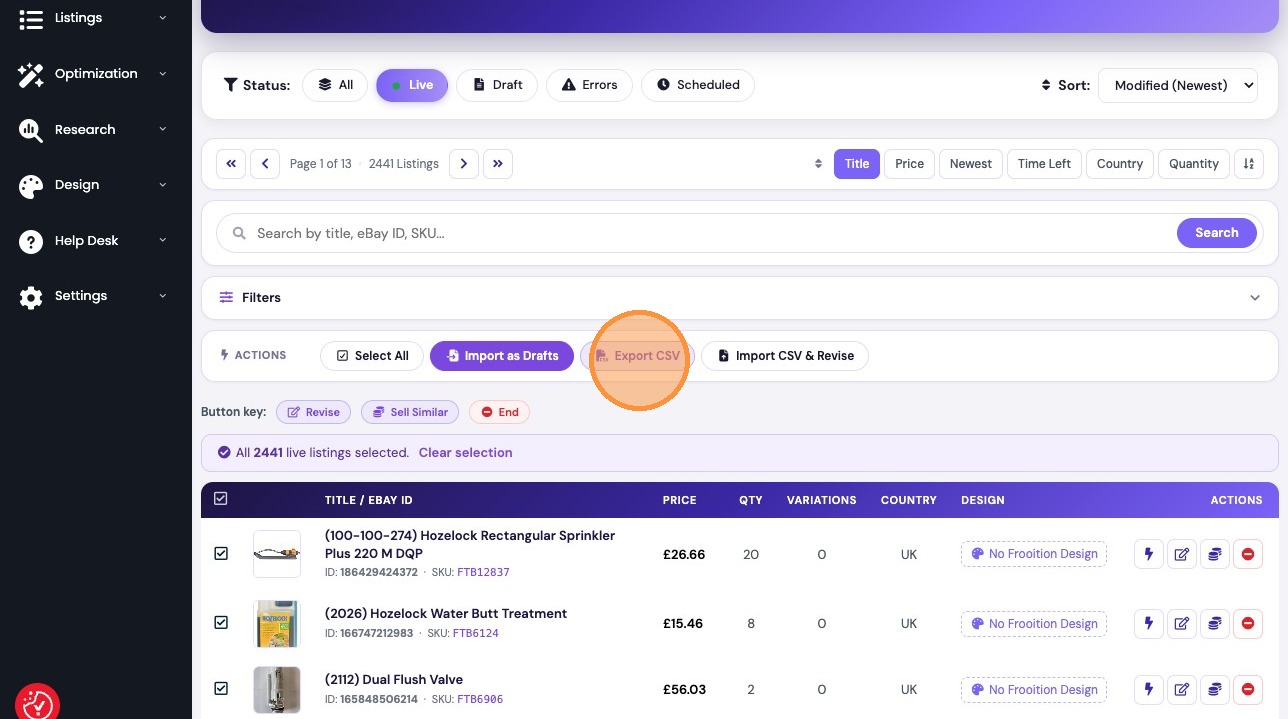
Importing Revisions
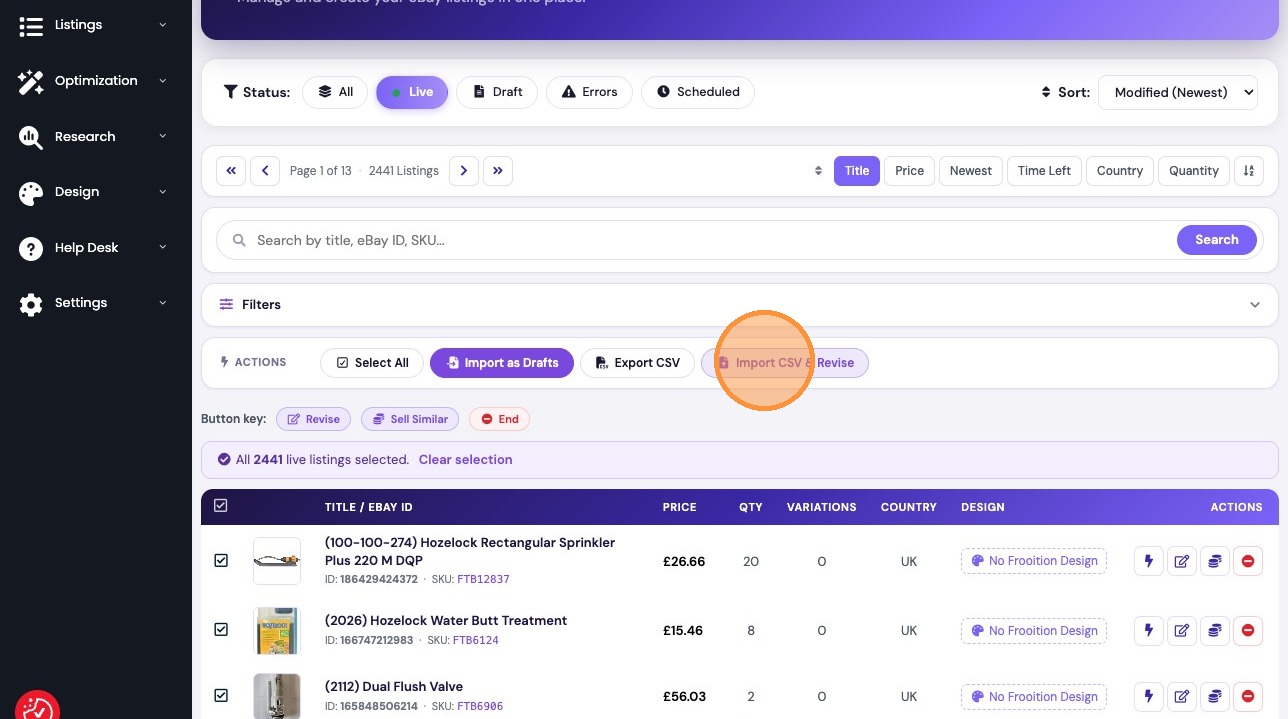
6. Select "Import CSV & Revise" to open the update window.
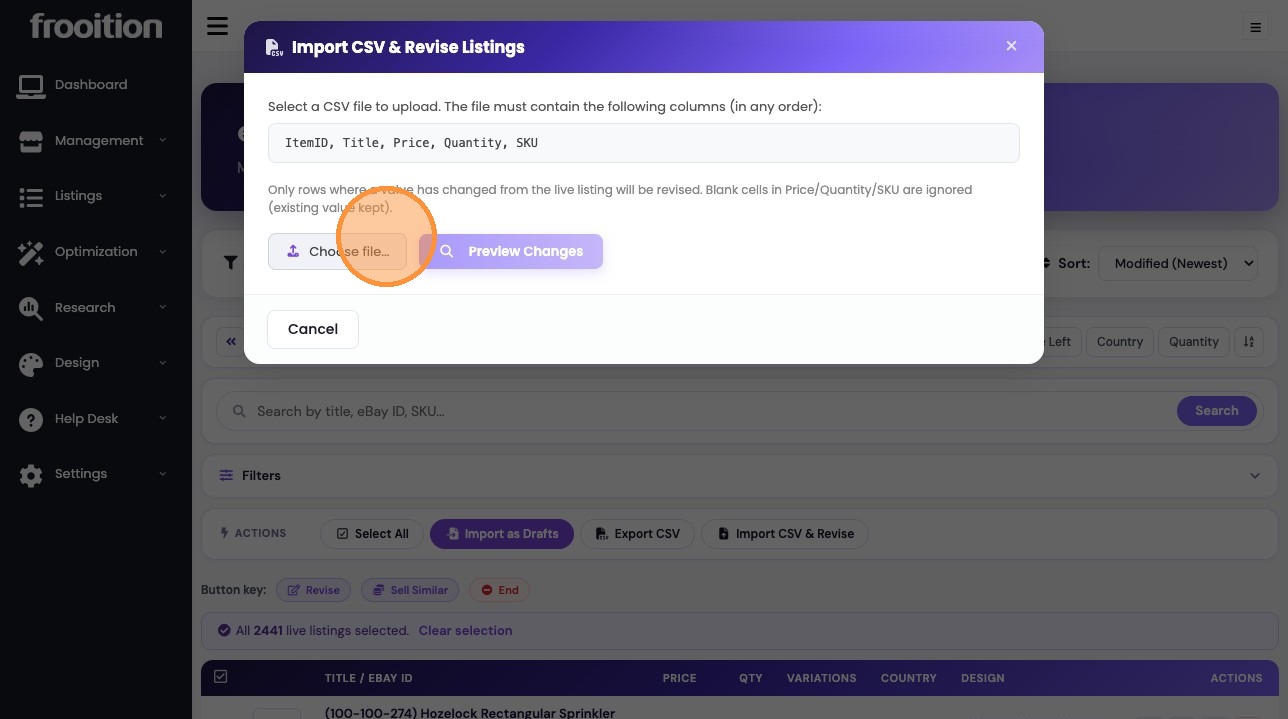
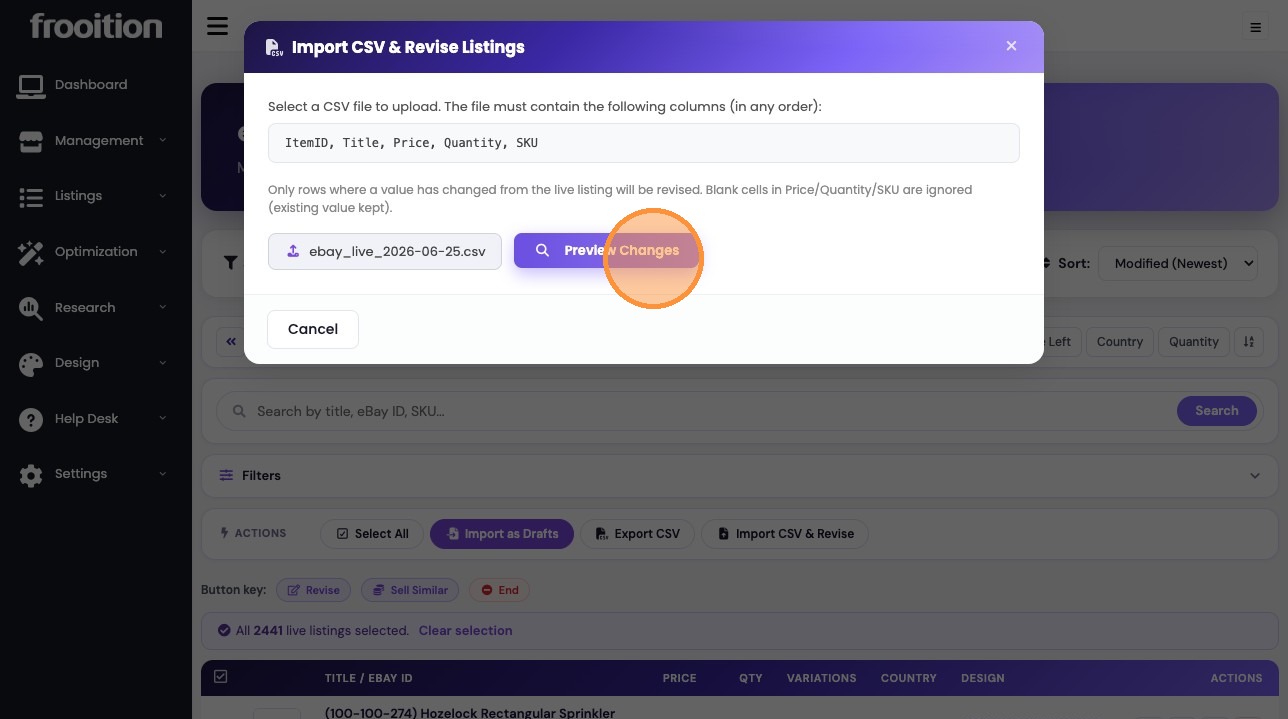
7. Upload the CSV file and click "Preview Changes".
8. Select the checkbox to mark listings for revision.
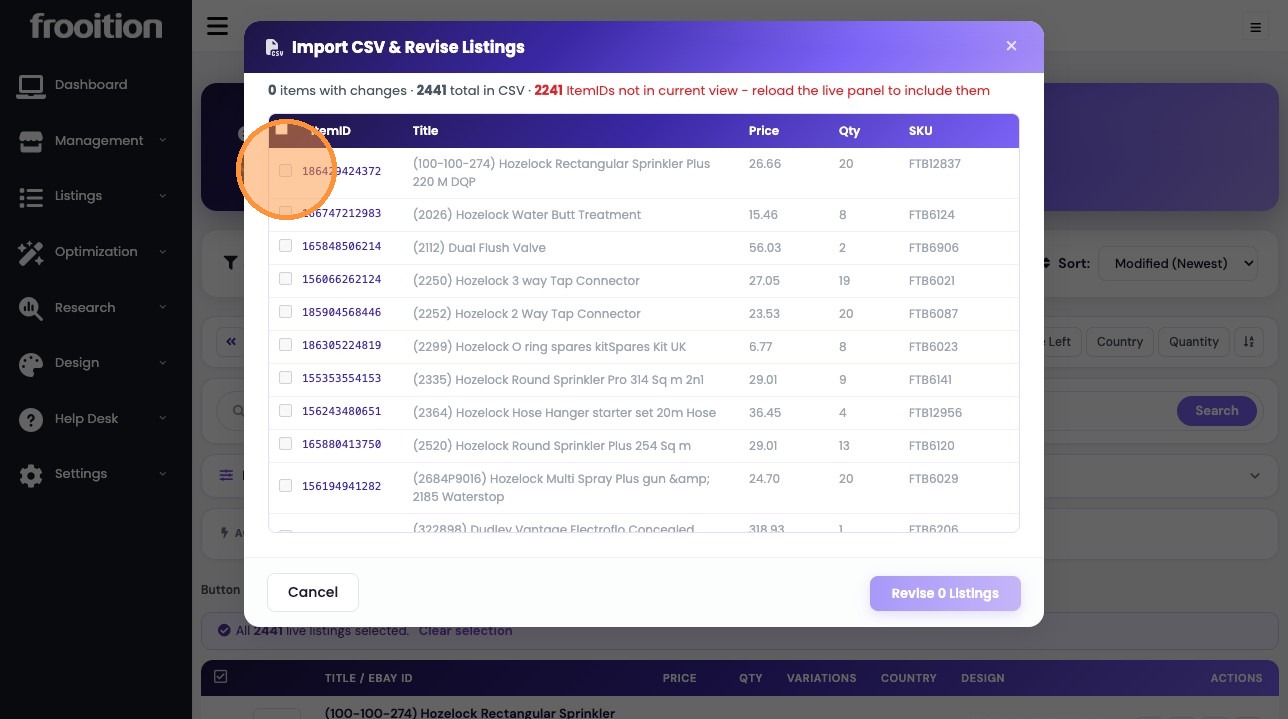
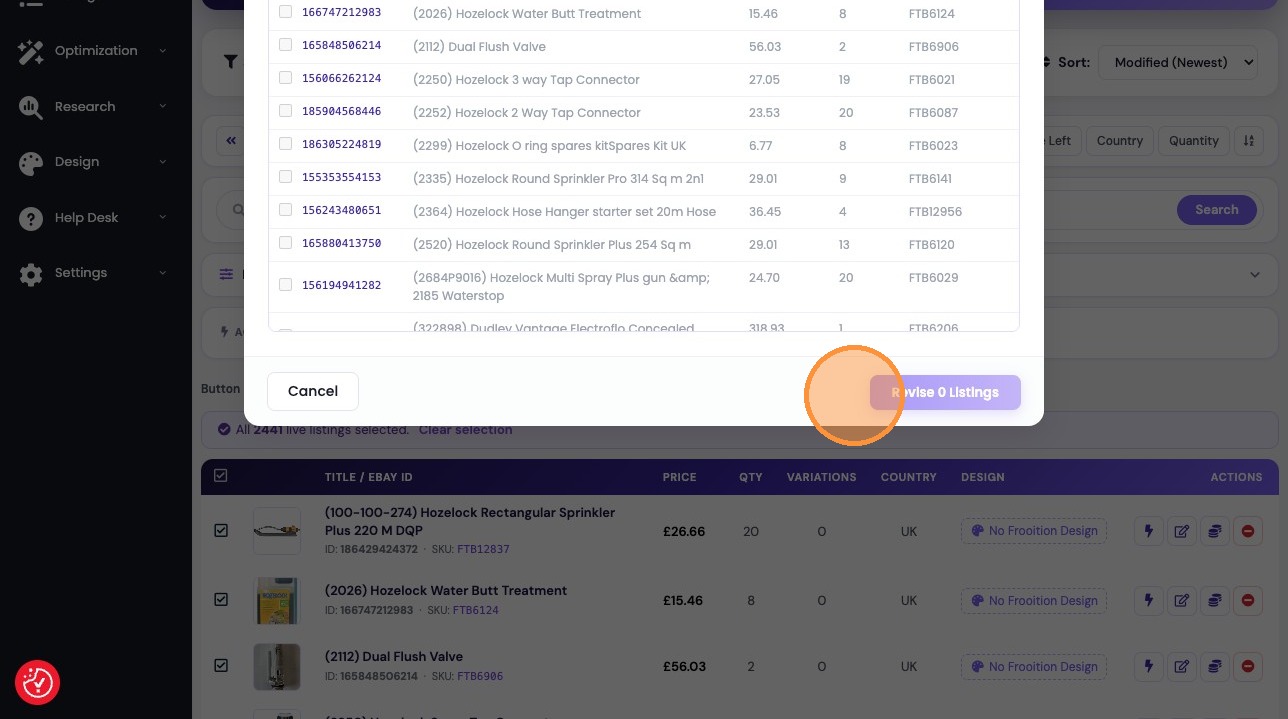
9. Click "Cancel" to exit the revision window.
Was this article helpful?
That’s Great!
Thank you for your feedback
Sorry! We couldn't be helpful
Thank you for your feedback
Feedback sent
We appreciate your effort and will try to fix the article