This guide provides a straightforward process for pulling your current eBay listings into the Frooition platform to refresh your cache. Following these steps ensures your listing data remains accurate and up to date within your account.
1. Navigate to https://freedom.frooition.com/ebay/
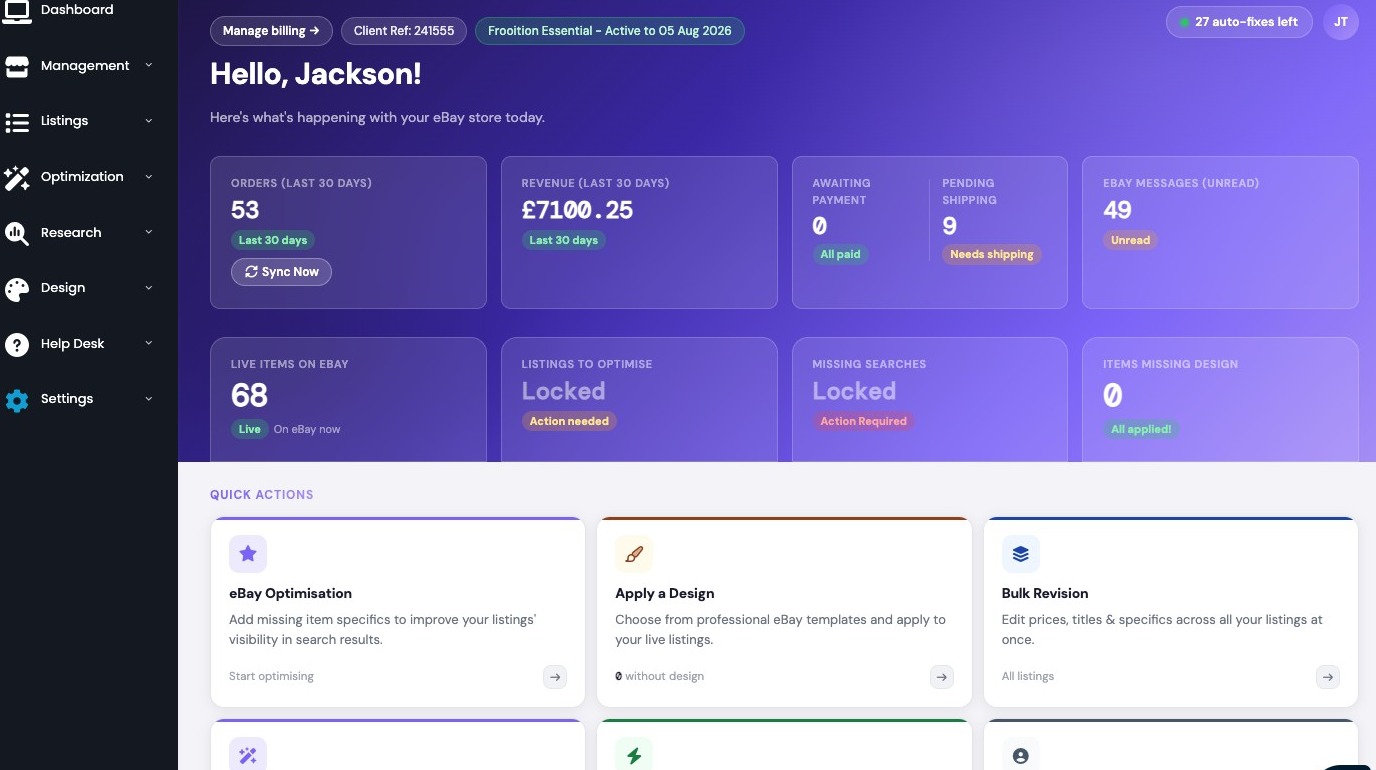
2. Click "Settings"
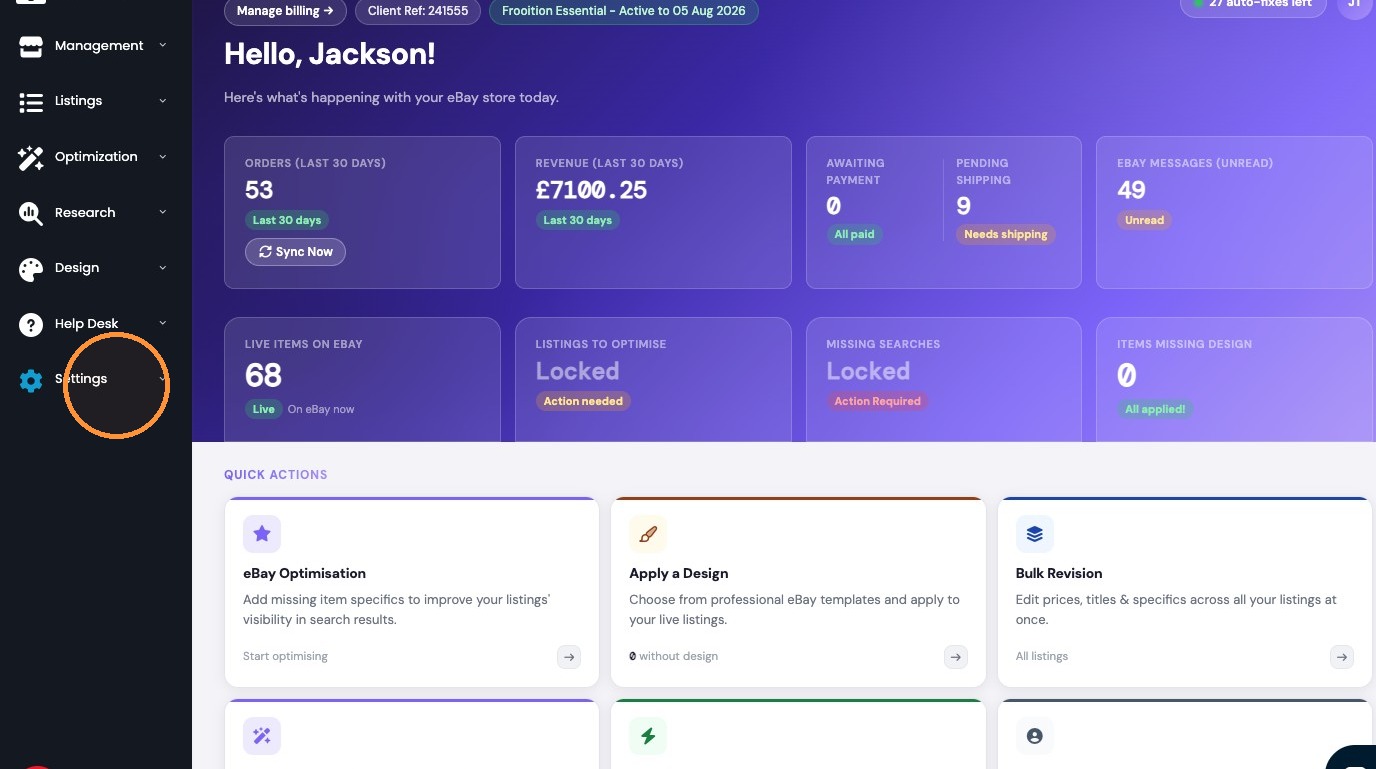
3. Click "Template Settings"
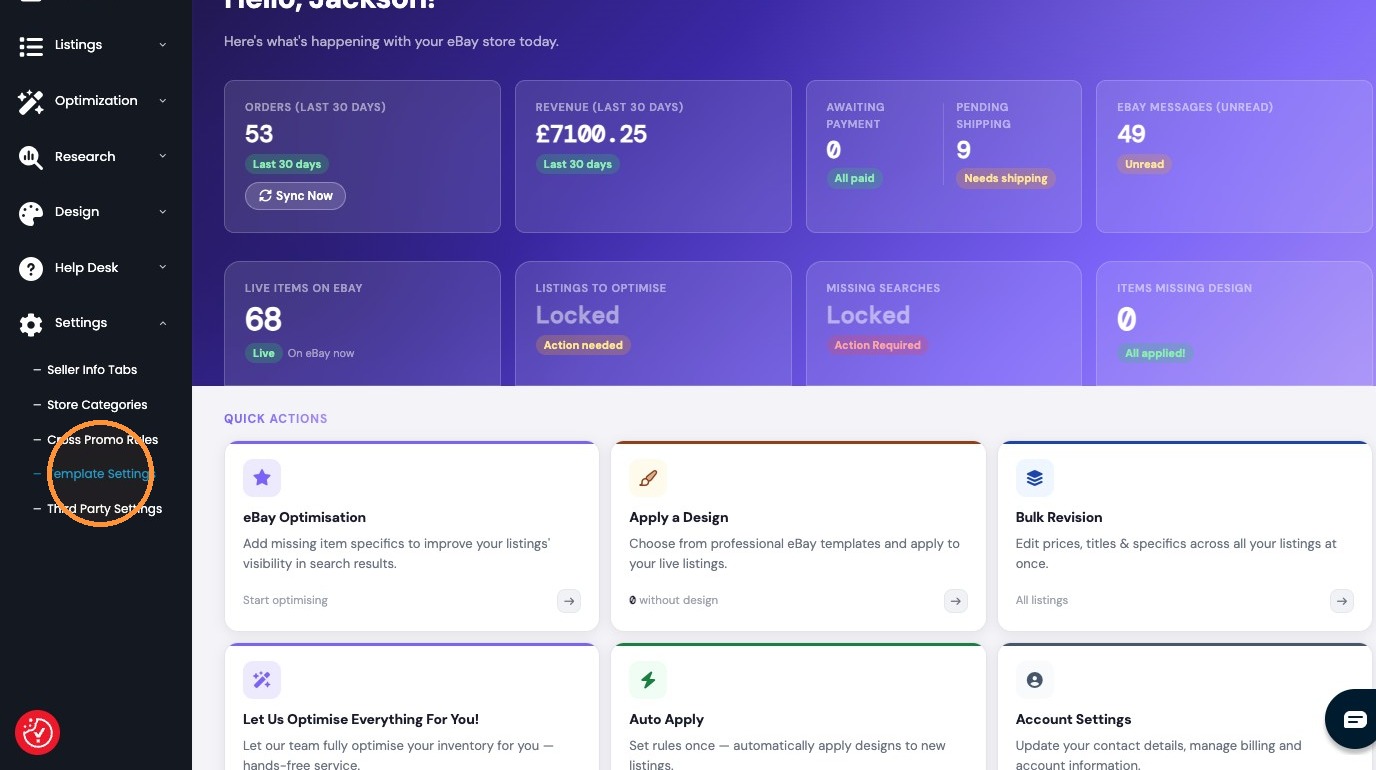
4. Click "eBay Sync"
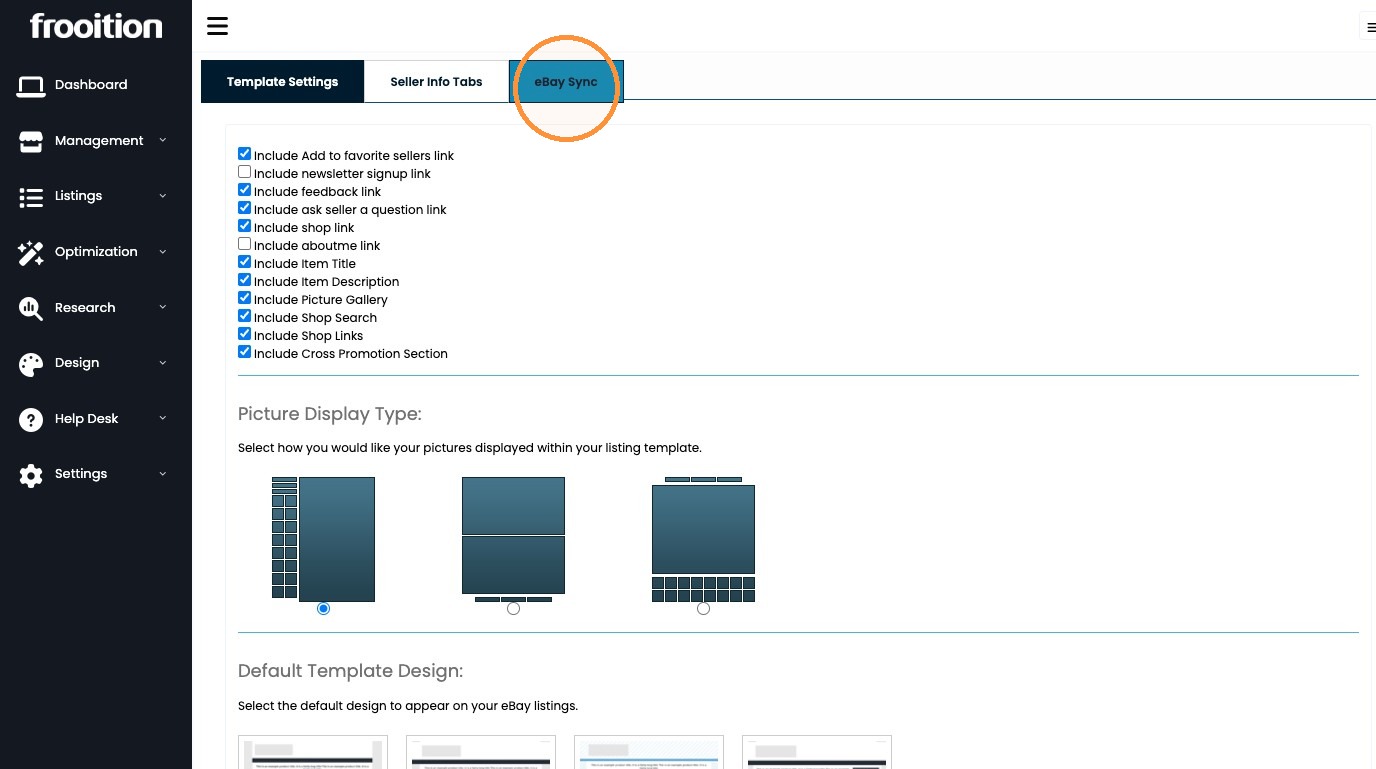
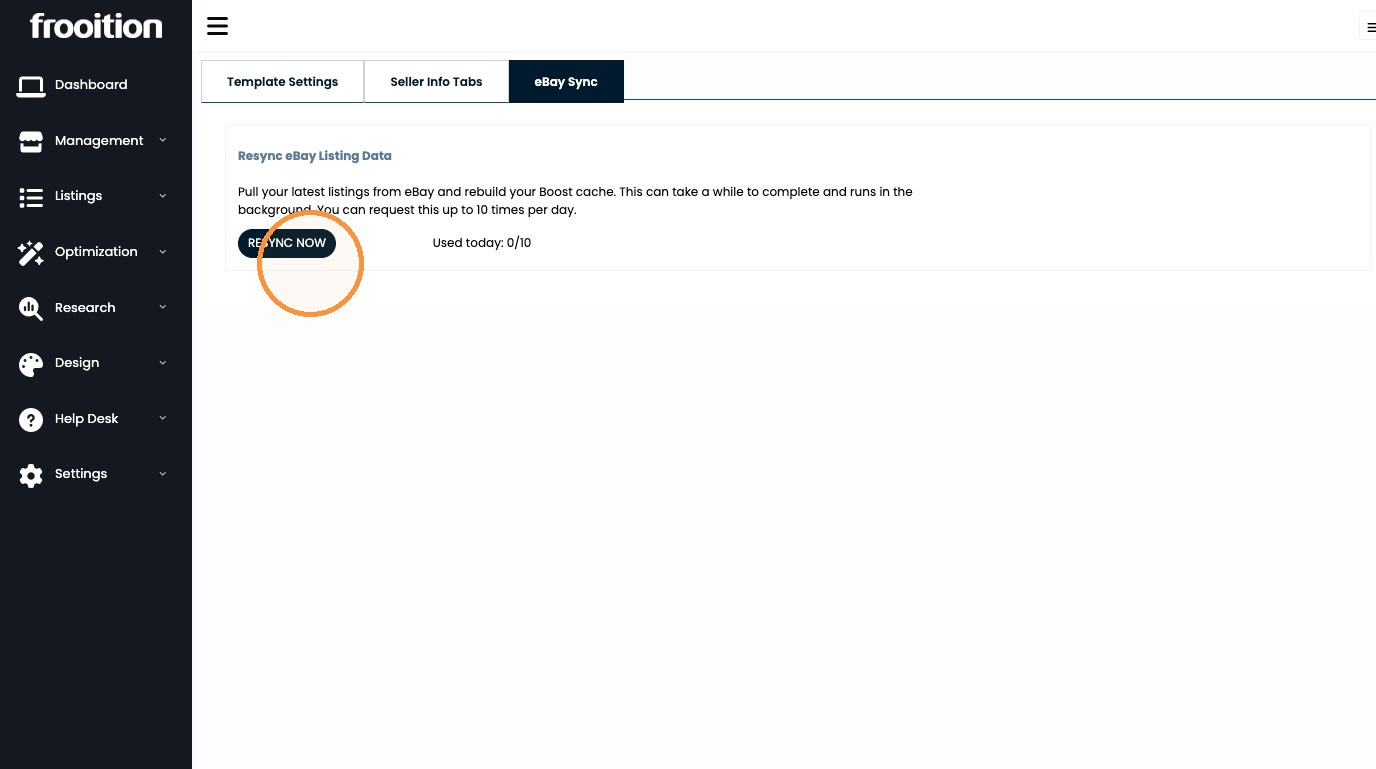
5. Click "RESYNC NOW" this will trigger a full recache of your listings into Frooition, this can be ran 10 times per 24 hours.
Was this article helpful?
That’s Great!
Thank you for your feedback
Sorry! We couldn't be helpful
Thank you for your feedback
Feedback sent
We appreciate your effort and will try to fix the article