1. Navigate to https://www.linnworks.net/#/app
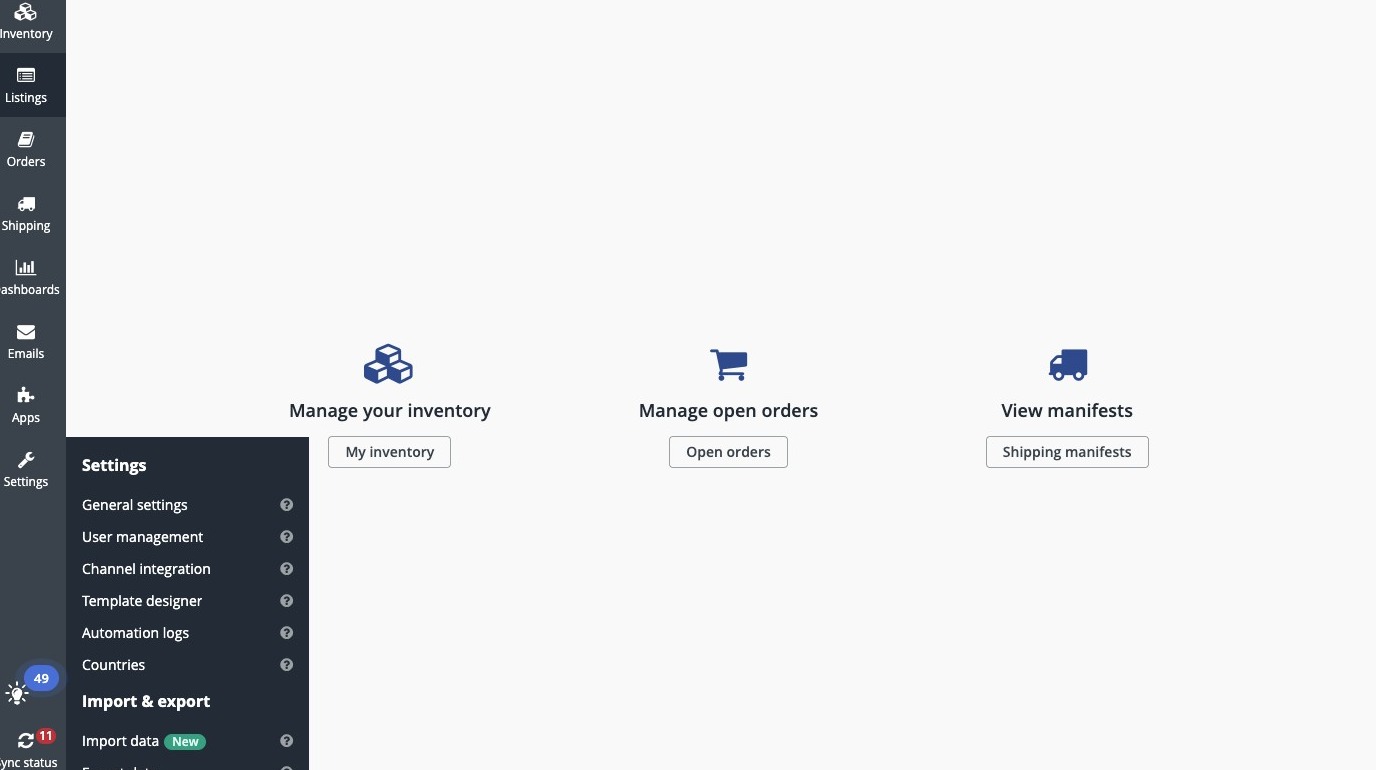
Open eBay Configurator
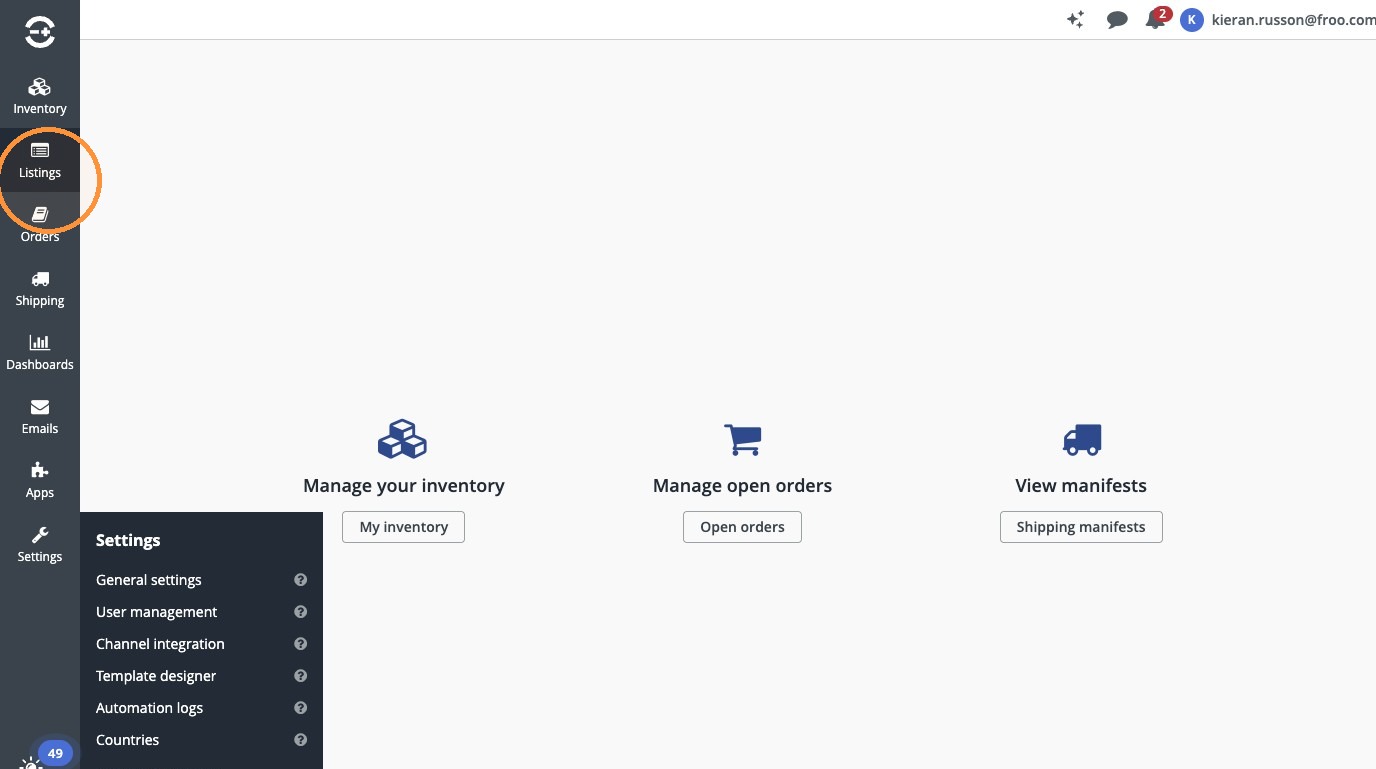
2. Click "Listings"
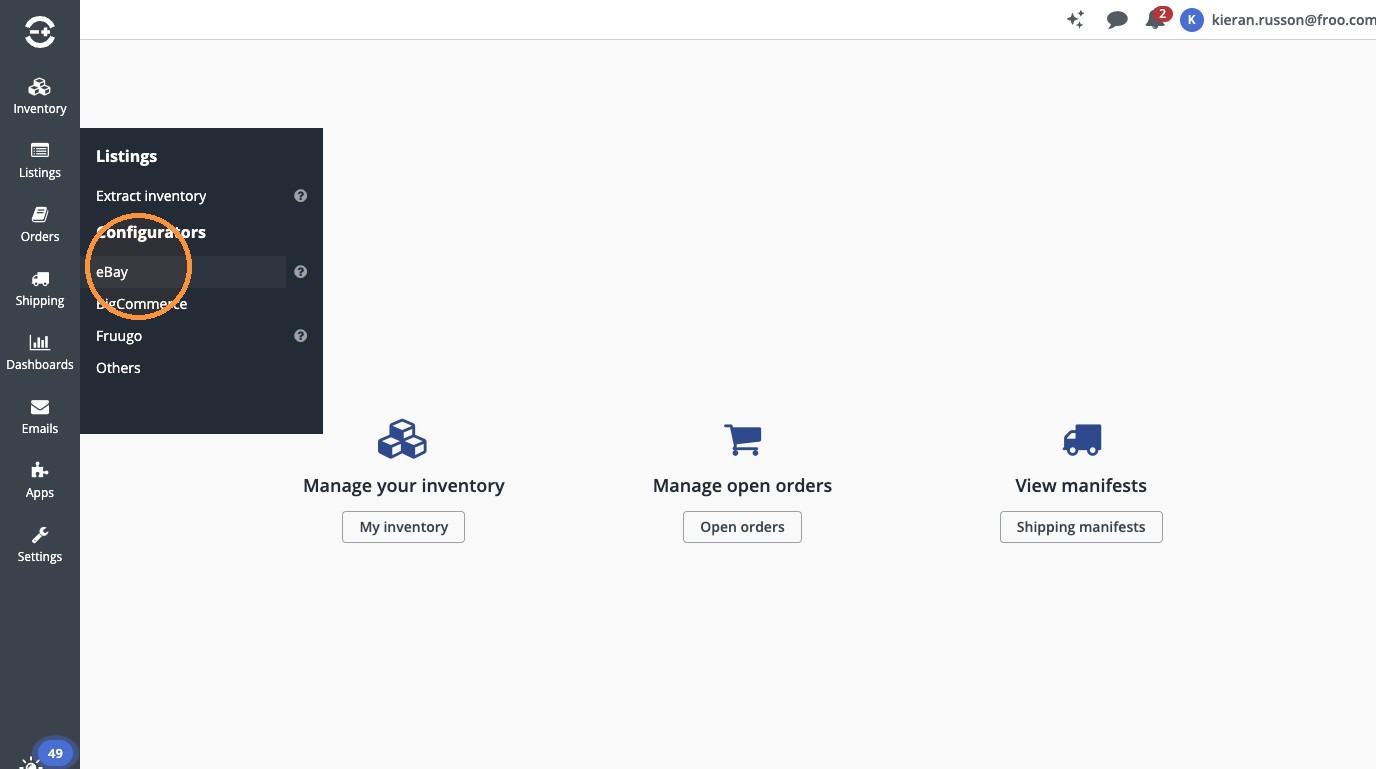
3. Click "eBay"
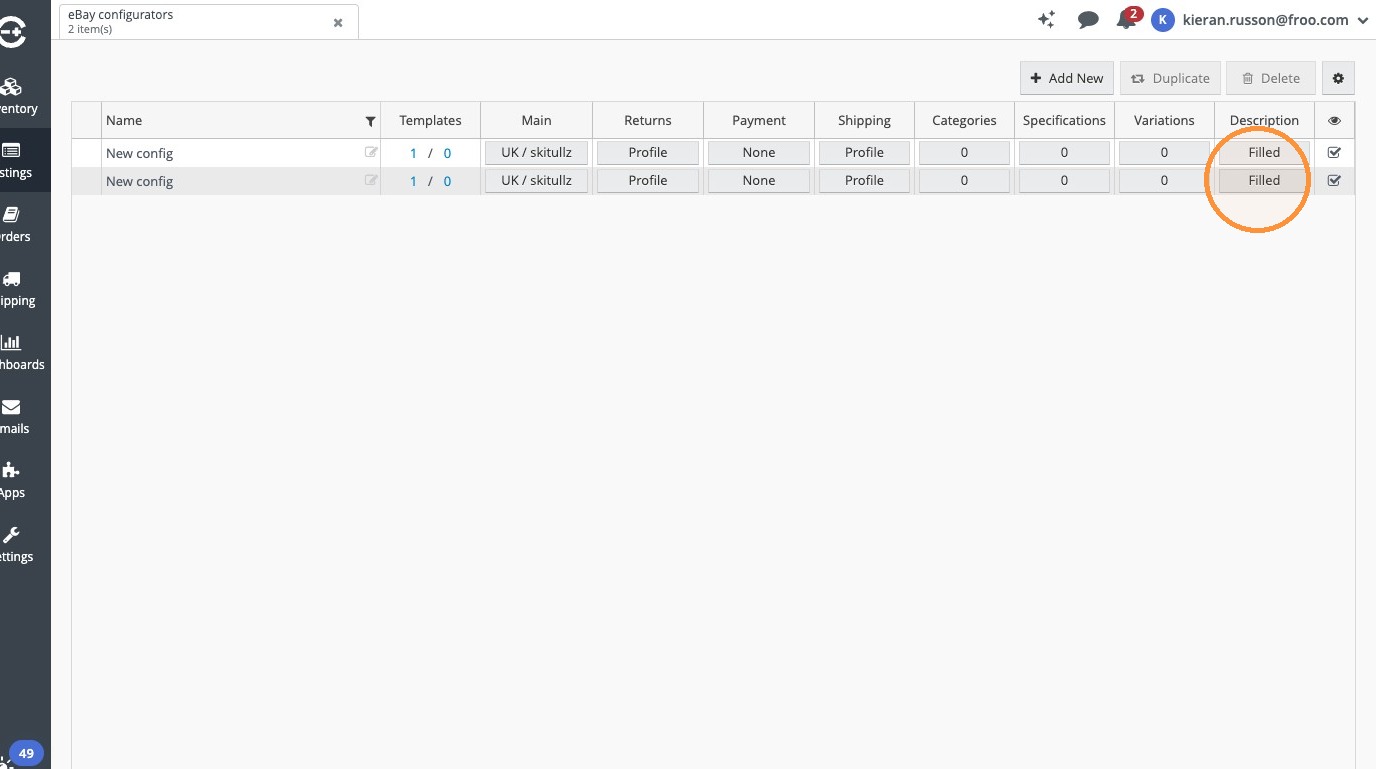
Edit Description
4. Click "Filled"
5. Click "HTML Source"
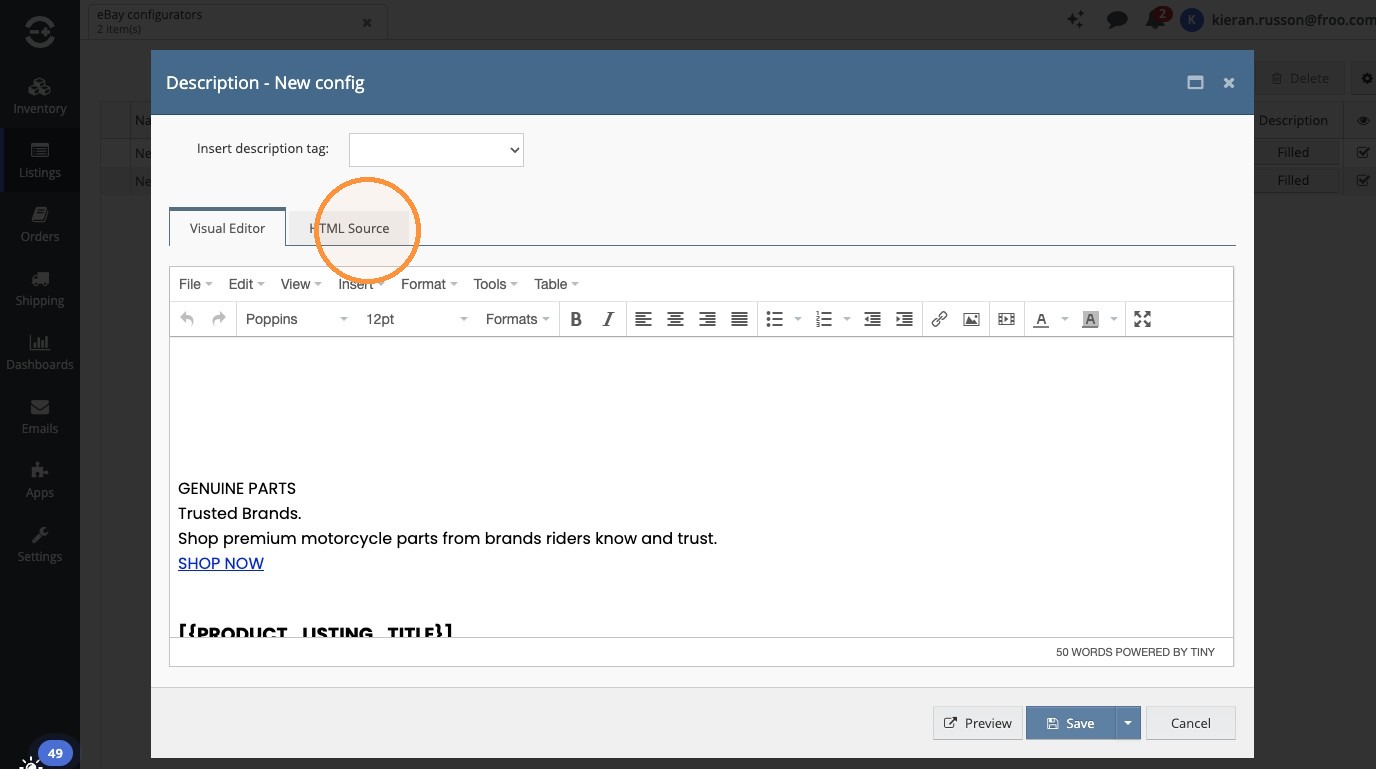
6. Select all content in the HTML source field and delete it.
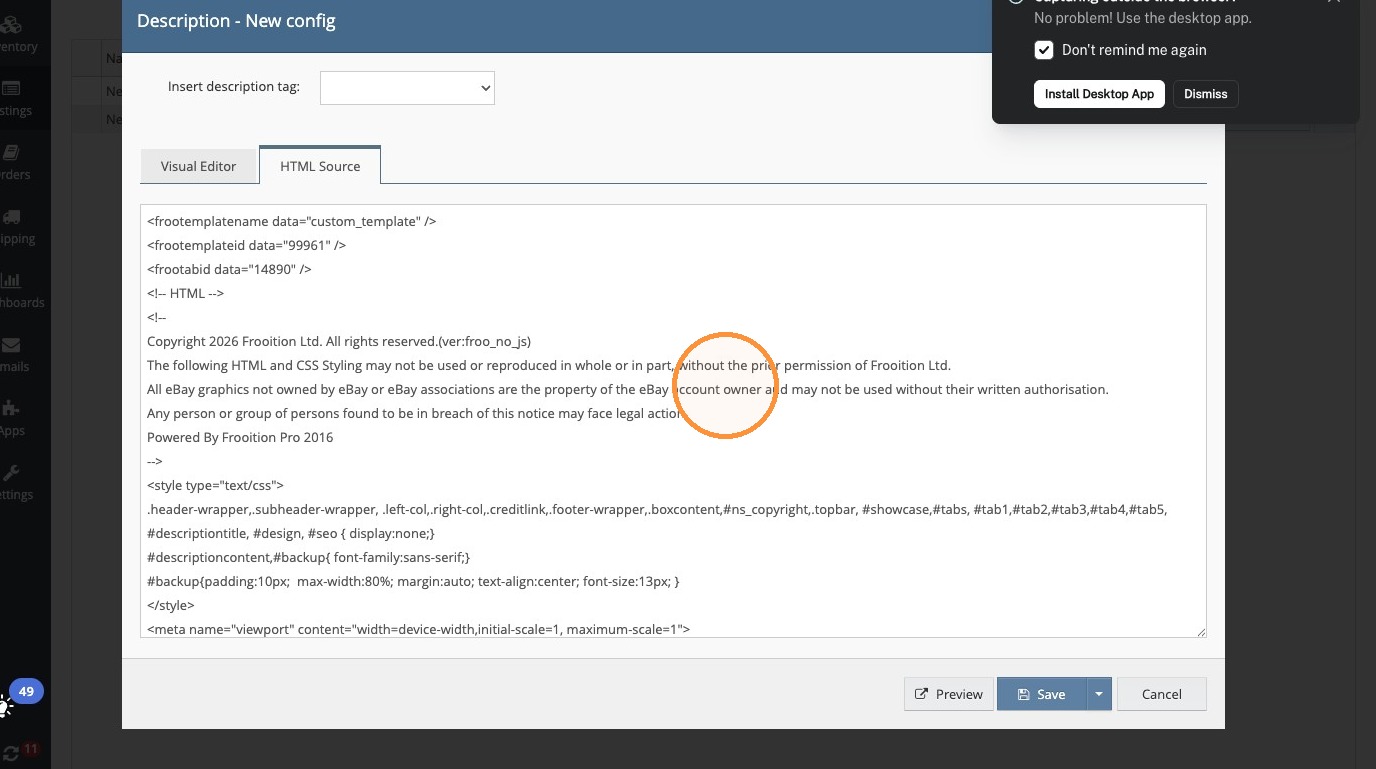
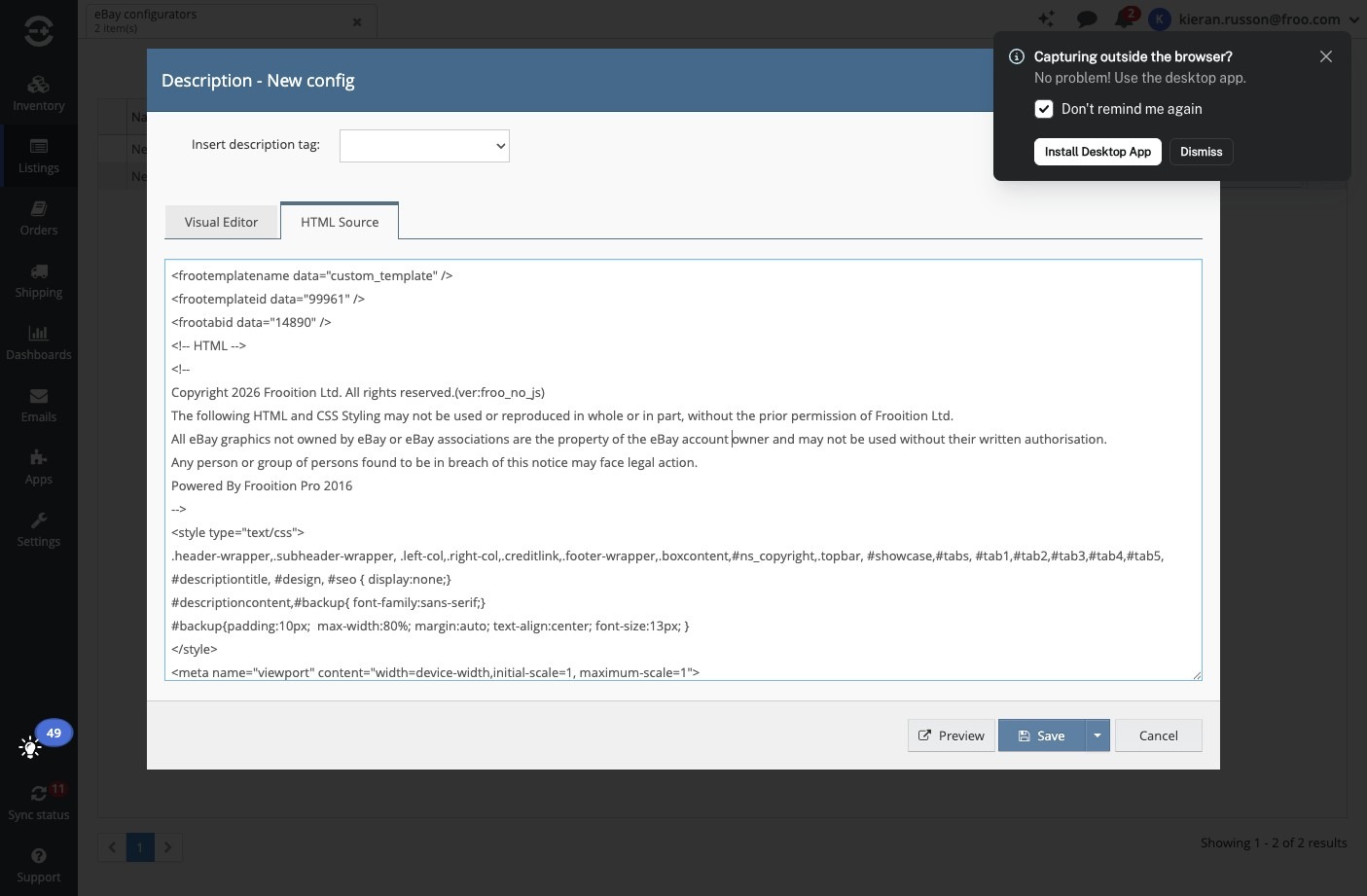
7. Click in the HTML source field and paste the replacement HTML.
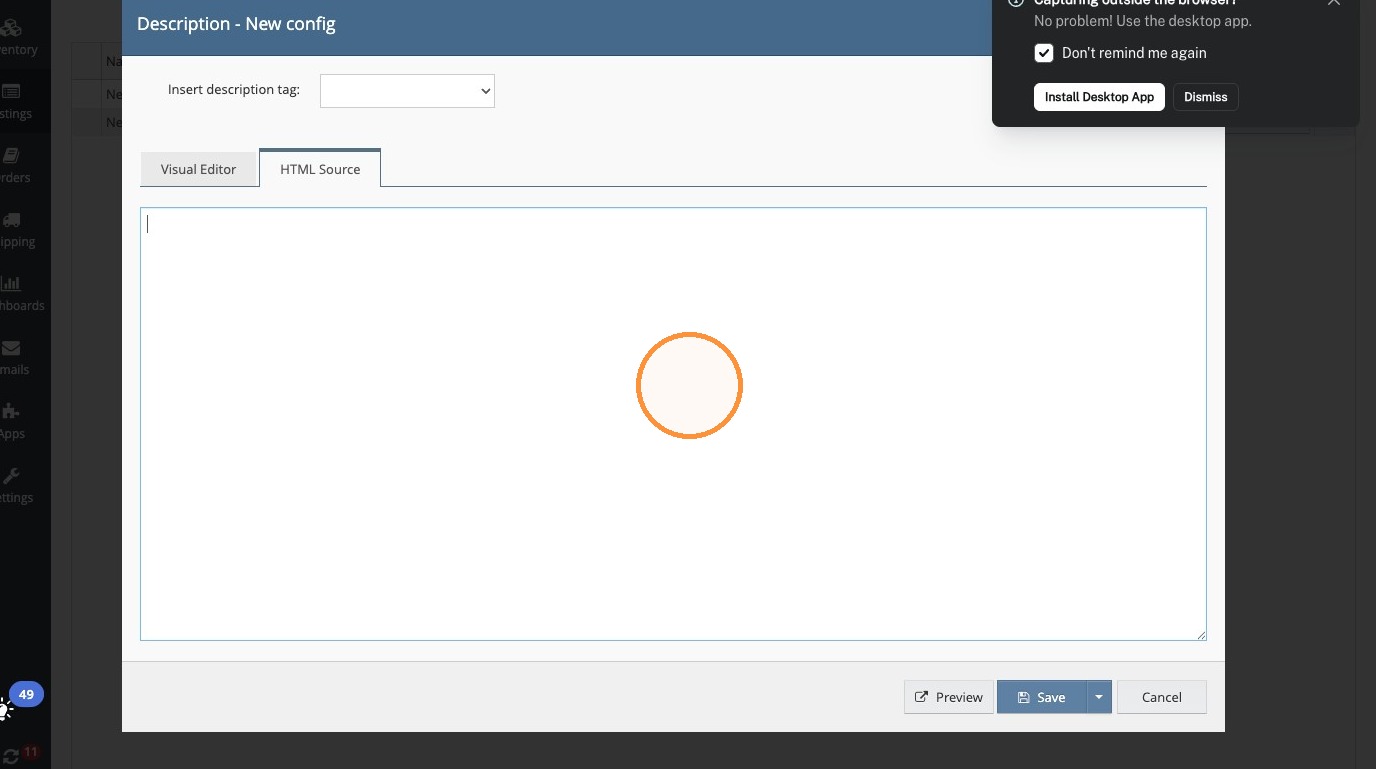
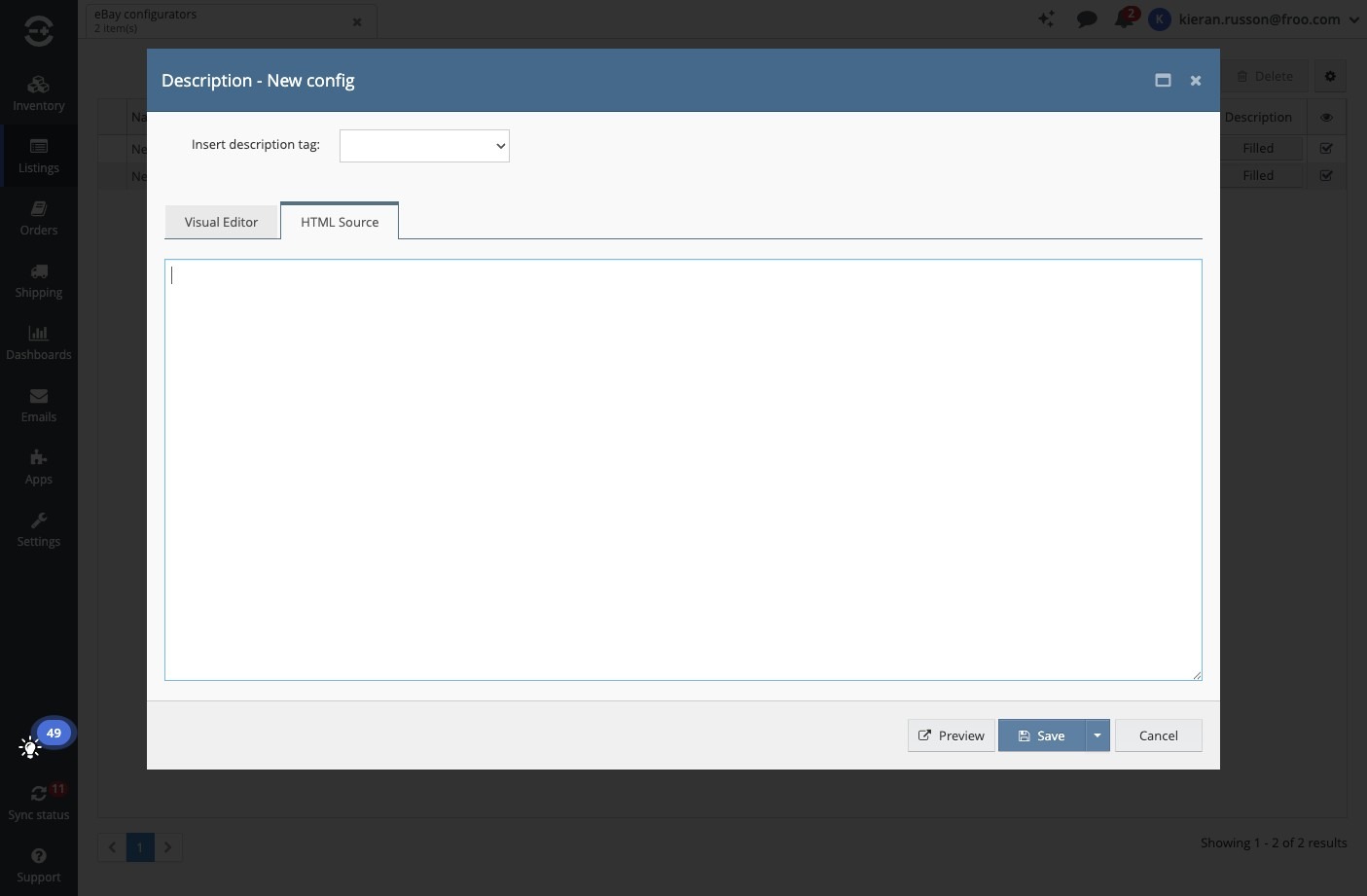
8. Click in the HTML source field.
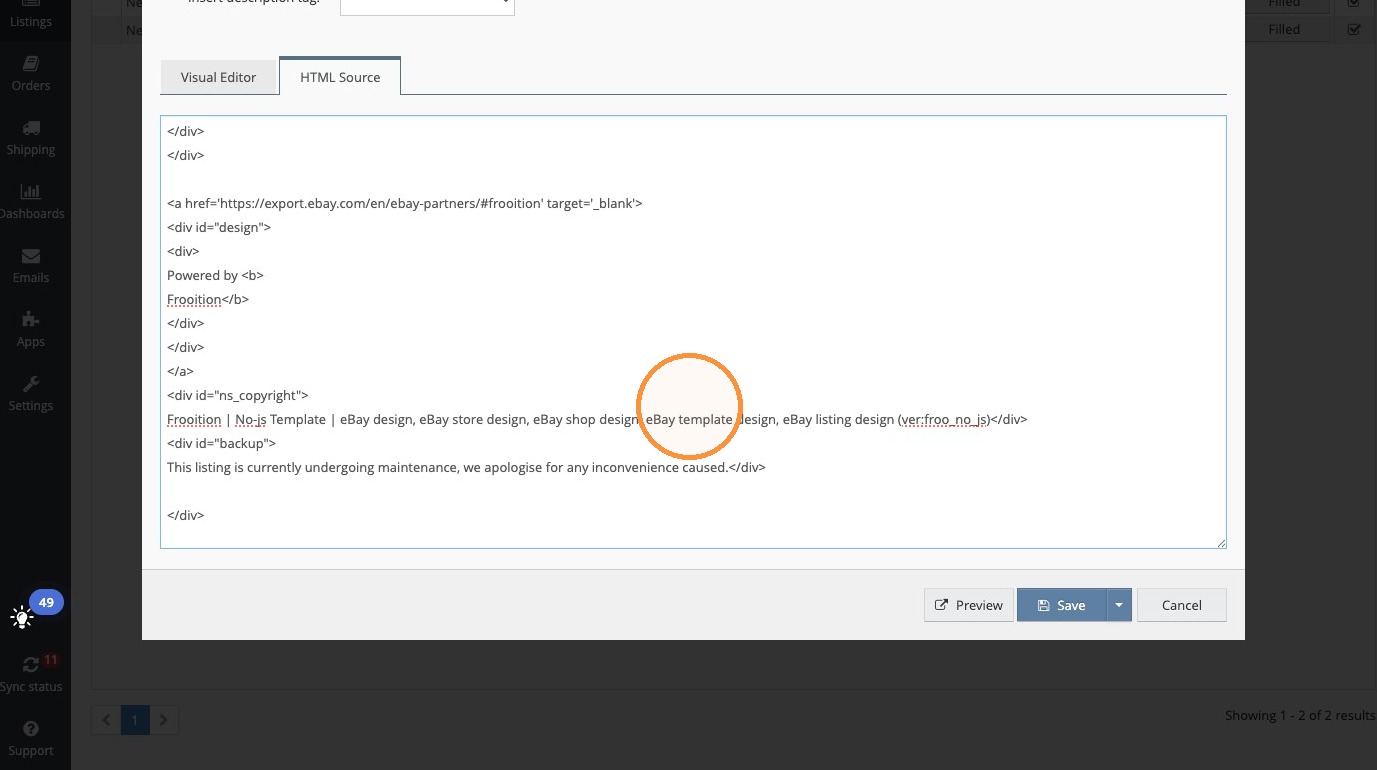
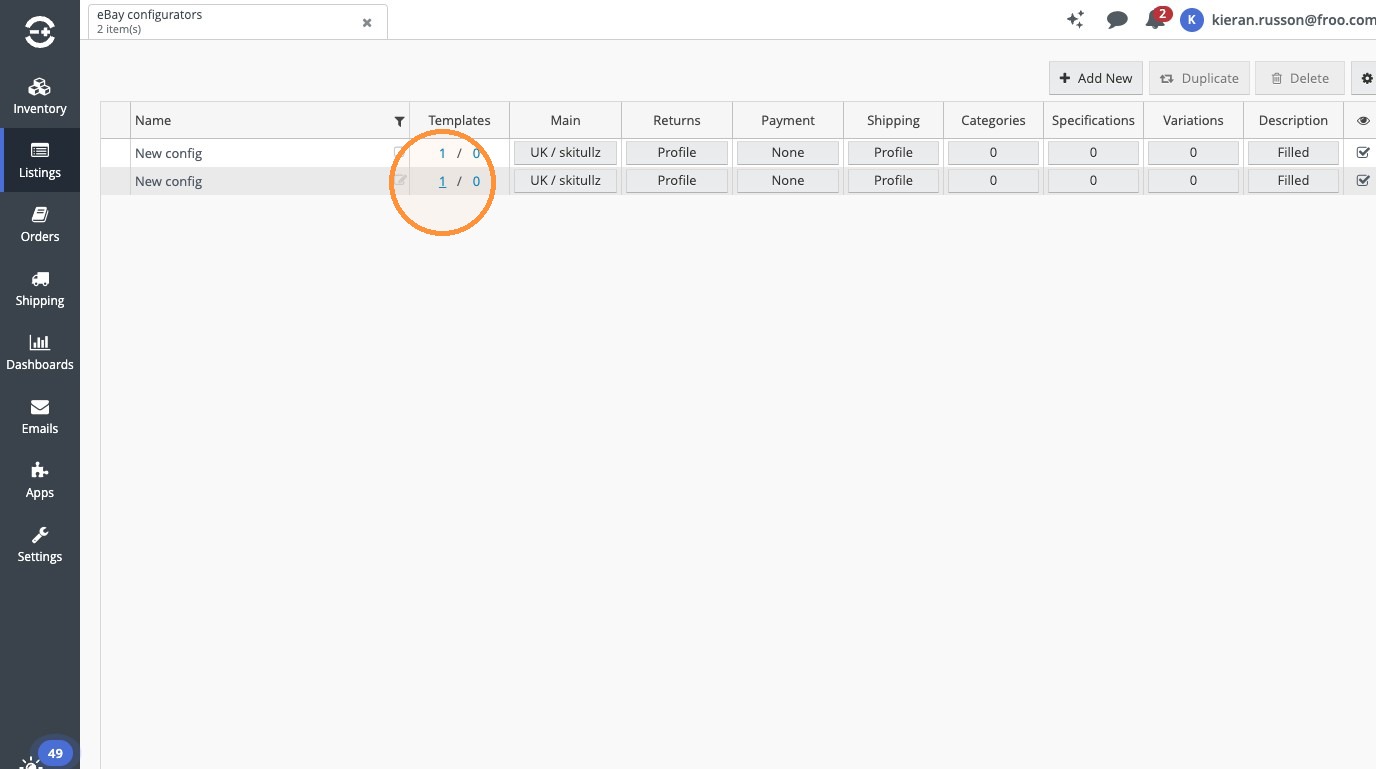
Apply Configuration
9. Click "1"
10. Click "Update"
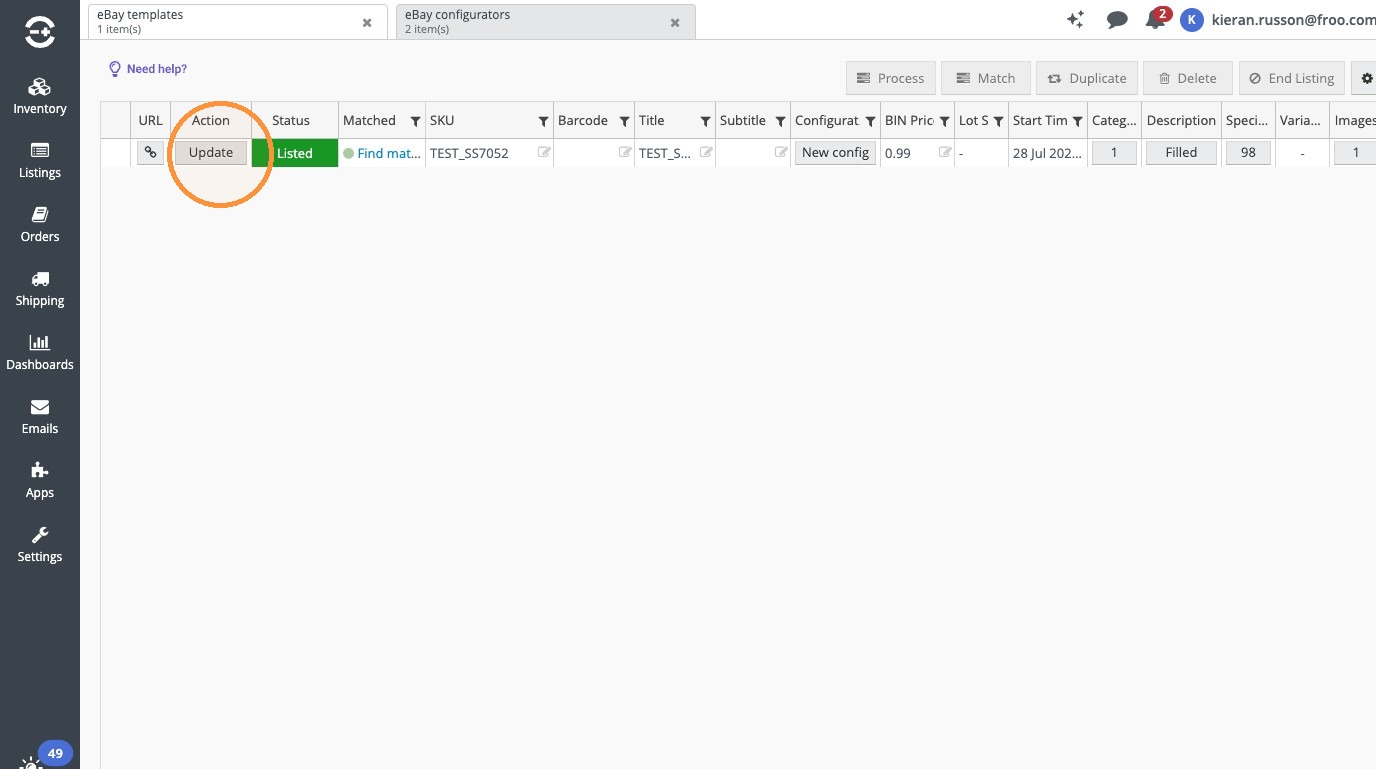
11. This will then add your design to the listing, please ignore the visual editor on Linnworks, your design will go live and look exactly as it should.
https://www.ebay.co.uk/itm/257646980284
Was this article helpful?
That’s Great!
Thank you for your feedback
Sorry! We couldn't be helpful
Thank you for your feedback
Feedback sent
We appreciate your effort and will try to fix the article